

5·
5 days agoI’m with Joe Miller. The stars are better off without us.
Now let’s ram that fucker into an asteroid.
I take my shitposts very seriously.
I’m with Joe Miller. The stars are better off without us.
Now let’s ram that fucker into an asteroid.
Managers will still expect you to do 60% of your work on 60% of your keyboard.

They can tell us whatever they like. They are financially incentivized to find a scapegoat, which takes away their credibility completely. The fact is that Respawn has had a massive cheater and hacker infestation ever since the days of Titanfall 1 and continuing with Titanfall 2 and Apex. It’s been an issue for longer than Linux gaming has been a factor, and smearing it on one part of the playerbase will do fuck all to resolve the deeply seated issues with Respawn’s shitty software.
Fuck EA and fuck Respawn.
I ran through all of the posts. Literally the community’s entire timeline. I’ve found four that wasn’t just an edited meme or stock photo, and none that invited an honest, good-faith discussion of why Linux sucks.
Don’t get me wrong, there are lots of areas where Linux and the Linux ecosystem suck. As a Linux user myself, and as an admin with a dozen outdated Ubuntu systems foisted upon me, I’ll be the first to point and laugh. At this point I’ve stopped watching sitcoms because nothing compares to the wayland development dumpster fire, for example.
But this ain’t it, chief. Most of the posts here fall into the same category as The Big Bang Theory: trying to emulate a culture in order to mock and caricaturize it, but without understanding the culture, and falling flat on its face. Don’t kid yourself: this is a meme sub, and not a particularly funny one either. The moment you stop posting them, engagement will drop like a rock.
(before grabbing that ban hammer, do note that I’ve complied with both points on the sidebar)

Sony is the biggest fucking security risk in this entire deal, what the fuck

I despise micro-USB with a passion. Even more than mini-USB. It is so flimsy, it’s always been the first thing to die on my wireless devices, including my older phones.
If a device charges through USB, I consider not having USB-C to be a deal breaker. Right now I’m waiting for a USB-C socket breakout panel because I want to convert my Xbox One controller from micro to C.
The reality is that, although there are quite a few standalone Wayland compositors, you don’t hear about most of them, because almost all of them suck in one way or another if you go beyond opening terminals.
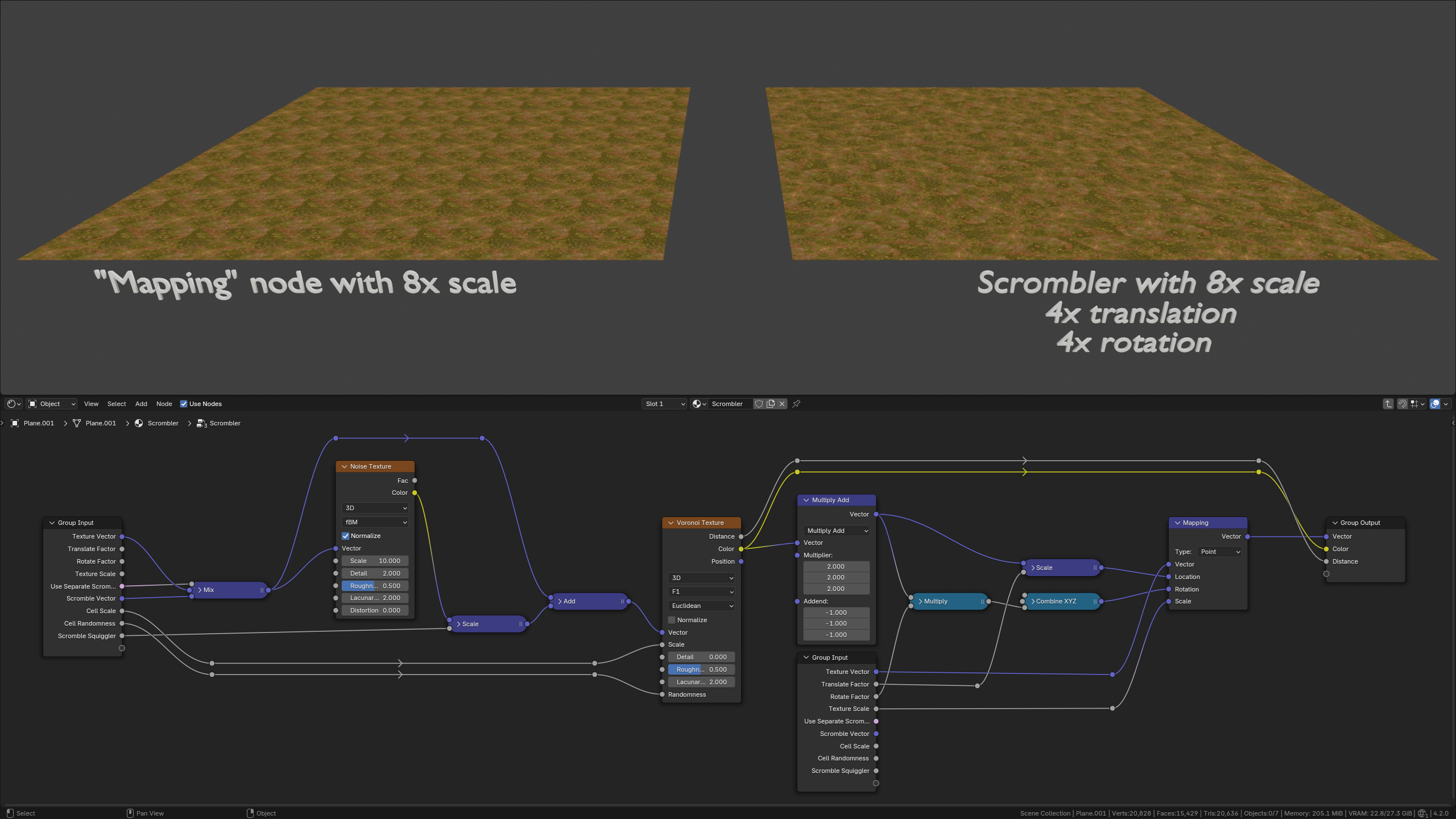
Oh, fuck off! I can barely use Blender because dragging a spinner control does something with the cursor that makes Hyprland shit its pants. It’s been fixed and broken several times. May or may not be related: Vaxry has expressed his disdain for Blender in issue notes. (edit) found it: https://github.com/hyprwm/Hyprland/issues/3270
(edit2) I should also mention that Hyprland is the only compositor where this happens. KDE Plasma, Qtile-wayland, Sway, Wayfire are all fine.

Urban legend my ass. It was real in many Soviet republics and far from supernatural.
I’d be very concerned about the state and safety of those rails.
It’s because xbox’s naming scheme is fucking stupid.

It’s not markdown, those are different unicode characters. https://cursivegenerator.net/
By the way, you can view the markdown source of comments and text posts. There’s a “view source” button that looks like a document icon on the stock Lemmy UI.

“Some people deserve to be punished.” - Amos Burton (actor Wes Chatham), The Expanse season 2, in reference to an opportunist who had been enriching himself during a humanitarian crisis; comparing him to pimps that force kids and vulnerable people into prostitution.
(after beating up an uncooperative person and threatening him at gunpoint, then getting confronted about it)
I didn’t kill him. Not yet. He’s a bully, and where I come from, bullies take desperate young girls like your daughter and force them into prostitution. And when they finally get knocked up, they peddle them to johns who get off on that. After they have the kid, they push them right back out on the streets even before they have a chance to heal. And those kids, they use them, too. Some people deserve to be punished.
The virgin .NET:
Thread.CurrentThread.CurrentCulture = System.Globalization.CultureInfo.InvariantCulture;
Thread.CurrentThread.CurrentUICulture = System.Globalization.CultureInfo.InvariantCulture;
The chad POSIX: LANG=C
You can call it 𝓜𝓮𝓻𝓭𝓮, but it’ll still taste like shit.

They’re no less at fault. Fascists were always going to vote. Non-voters had the power to decide. Self-titled “centrists” and “apoliticals”, or those who adopted a stupid moral high ground because of one thing that Harris did or did not say, made a choice that amounted to “I’m okay with the worse outcome”. They failed to vote against the worse outcome.
Fascism is a cancer that should be excised with prejudice. So is abstention. And Americans should hold them equally responsible for every harm and every life.
The apathy of the masses.

It’s all about trust. Manjaro has given me reasons to distrust them.
The Middle East has been cooking for so long, it’s impossible to point at a faction that is the “Good Guys”. But right now, one faction is hell-bent on exterminating another nation’s people, both military and civilian, so it should be pretty fucking obvious who the worst “Bad Guys” are. There are no good guys, only victims.
You should read Ramzi Yousef’s statement at his 1998 trial. Terrorist factions like Hezbollah and Hamas exist only because Israel is consistently refusing to make peace through diplomacy.
It depends.
For my work computer, I screw them in tight, both on the monitor and the DP/VGA adapter.
For stationary devices (like overhead projectors) and extension cords, I screw them in, but not very tight.
For classroom computers, I only screw them in on the monitor and leave them unscrewed on the computer. Students can’t keep their legs calm and often snag the cables. I prefer to let the connectors harmlessly disconnect instead of damaging the graphics card or motherboard.









What did he do this time?