

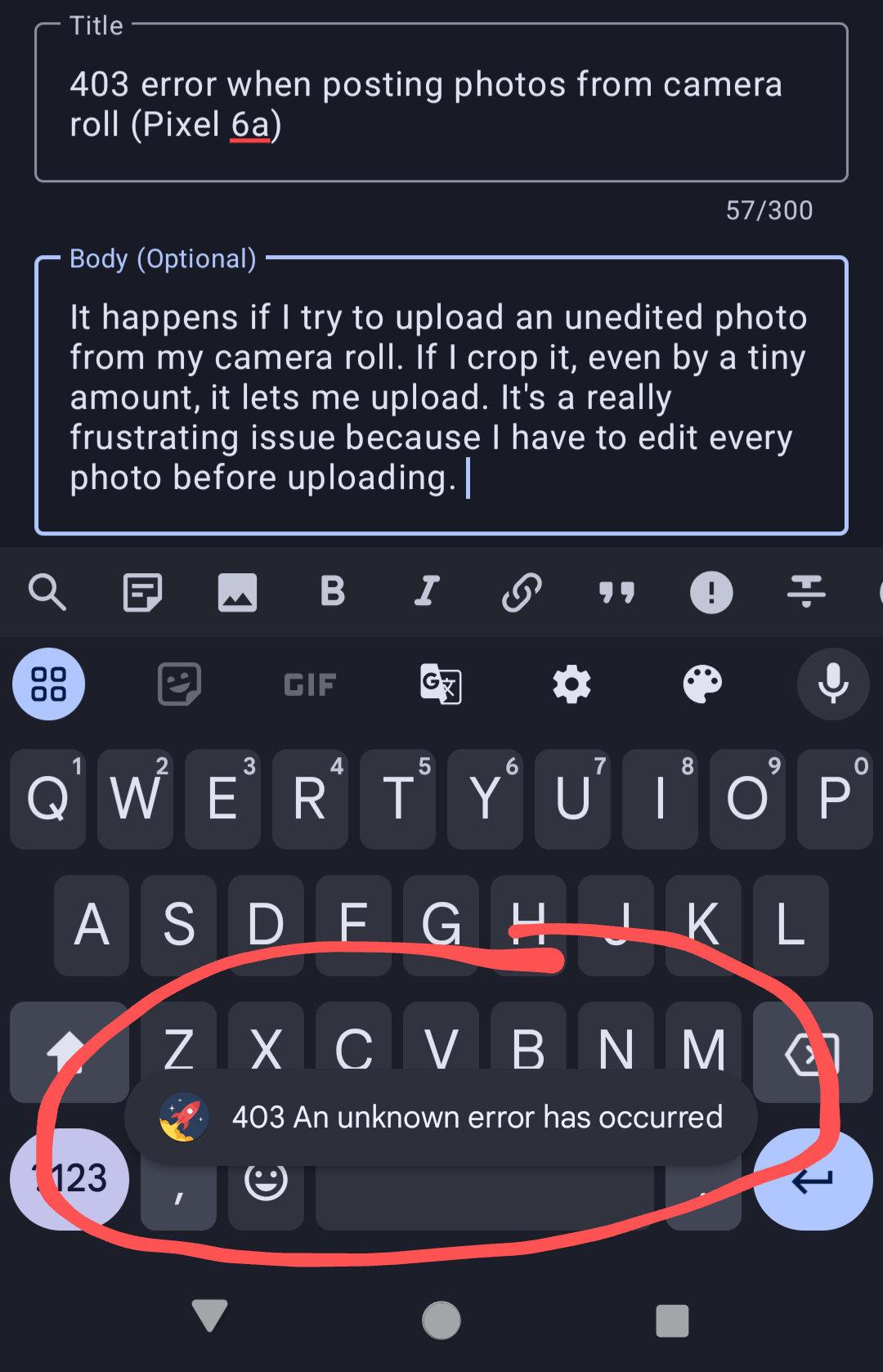
It happens if I try to upload an unedited photo from my camera roll. If I crop it, even by a tiny amount, it lets me upload. It’s a really frustrating issue because I have to edit every photo before uploading.
It happens if I try to upload an unedited photo from my camera roll. If I crop it, even by a tiny amount, it lets me upload. It’s a really frustrating issue because I have to edit every photo before uploading.
One possibility is that the pictures being taken are in an odd format (webp?) or have metadata that the app or instance can’t handle.
Cropping the picture creates a new picture. Presumably, the app cropping the picture packages the information differently from your camera app and in a way that is compatible.
Not sure why you’re getting a 403, as that seems like the wrong code given the above theory. Should be a 400 or 500.